Pose Camera App vs Photo Filter App: What Actually Helps You Look Better?
Photo filters can polish a picture, but they cannot fix stiff body language, tense hands, or a pose that does not suit the angle. A pose camera app helps earlier in the process, while the photo is still being made.
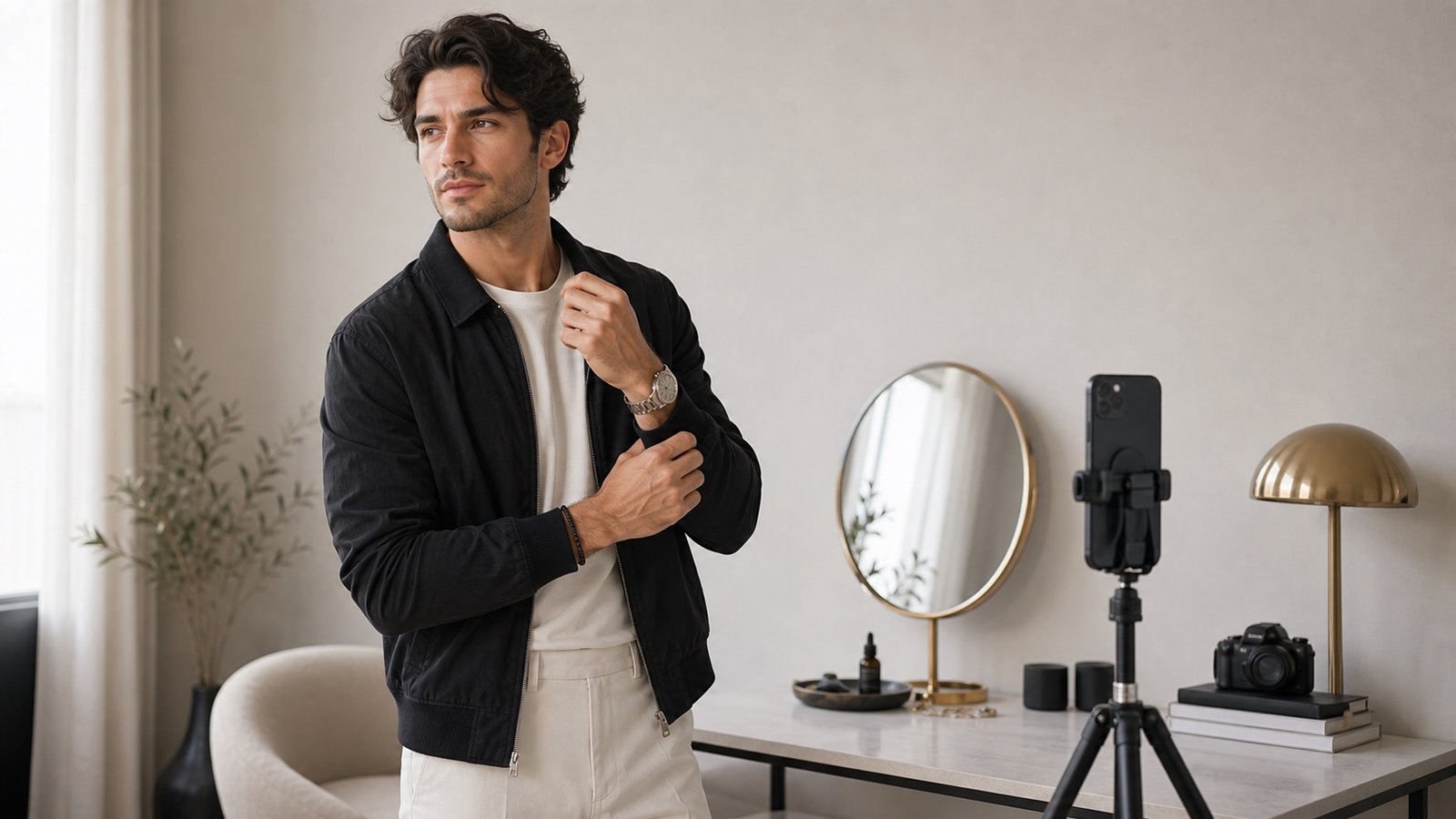
Filters Work After the Problem Has Happened
A filter changes tone, contrast, color, or skin finish. That can help the mood of a photo, but it does not tell you how to stand. If the pose is awkward, the edited photo may still feel awkward.
Pose Guidance Works Before the Shot
A pose camera app gives direction while you are shooting. It helps you choose a body angle, place your hands, and build a photo that already looks stronger before editing.
The Real Difference Is Control
With a filter app, you react to the photo you already took. With Miles Flow, you shape the photo while it is happening. That gives you more control and usually means fewer retakes.
When Filters Still Help
Filters are not bad. They are useful for consistency, mood, and finishing. But they should be the final layer, not the main strategy. Strong pose, clean light, and confident body language should come first.
The Best Workflow
Use Miles Flow to plan and capture the photo. Then use your normal editing tools lightly if you want a certain finish. This keeps the photo natural and avoids over-editing a weak pose.
Download Miles Flow and use guided pose planning before your next photo session.