How to Take Better Photos Alone With Your iPhone
Taking photos alone is hard because you are both the subject and the director. The right setup turns it from a guessing game into a repeatable process.
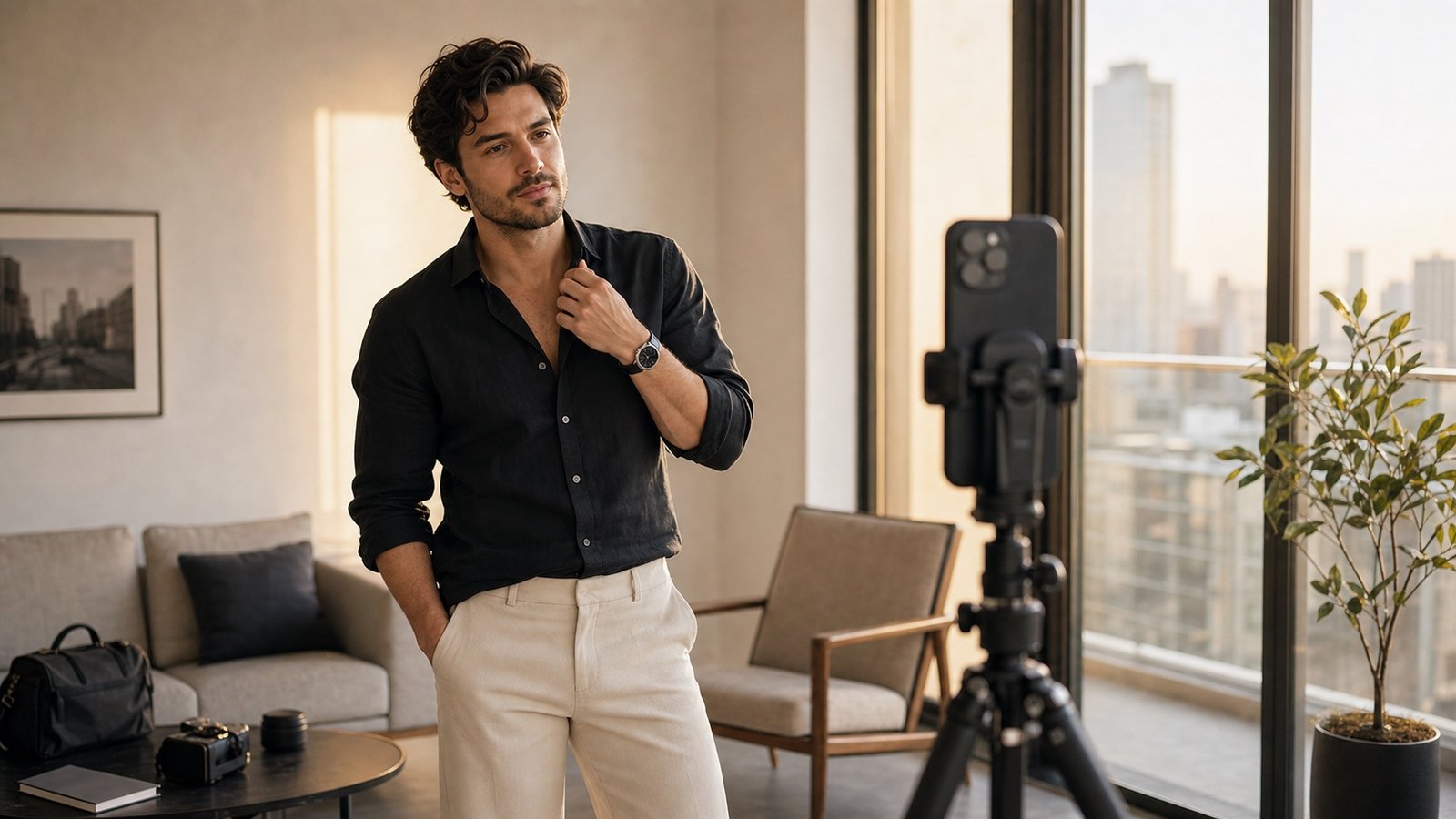
Use a Stable Setup
A tripod or phone stand is the easiest upgrade. Put the phone at chest height for portraits or slightly lower for full-body outfit photos. Avoid balancing your phone somewhere unstable if you want consistent results.
Plan Before You Start
Choose a few poses before opening the camera. A short Flow Set gives you a sequence to follow, so you are not running back and forth trying random ideas.
Use the Timer With Intention
Give yourself enough time to walk into frame and settle. Do not rush the pose. Look at the reference, get into position, relax your hands, then let the timer capture.
Review in Small Batches
Take five to ten photos, then review. Look for one thing to improve: body angle, hands, face, or background. Change one thing at a time instead of starting over completely.
Why Miles Flow Helps Solo Shooters
Miles Flow works like a quiet pose coach when nobody else is there. It gives you the reference, the plan, and the match feedback, so solo shooting feels less awkward and more controlled.
Download Miles Flow and use guided pose planning before your next photo session.