Best Pose Camera App for iPhone: What to Look For
The best pose camera app is not the one with the most effects. It is the one that helps you know what to do before the shutter fires. A strong pose camera app should give you ideas, direction, feedback, and privacy without making the photo session feel complicated.
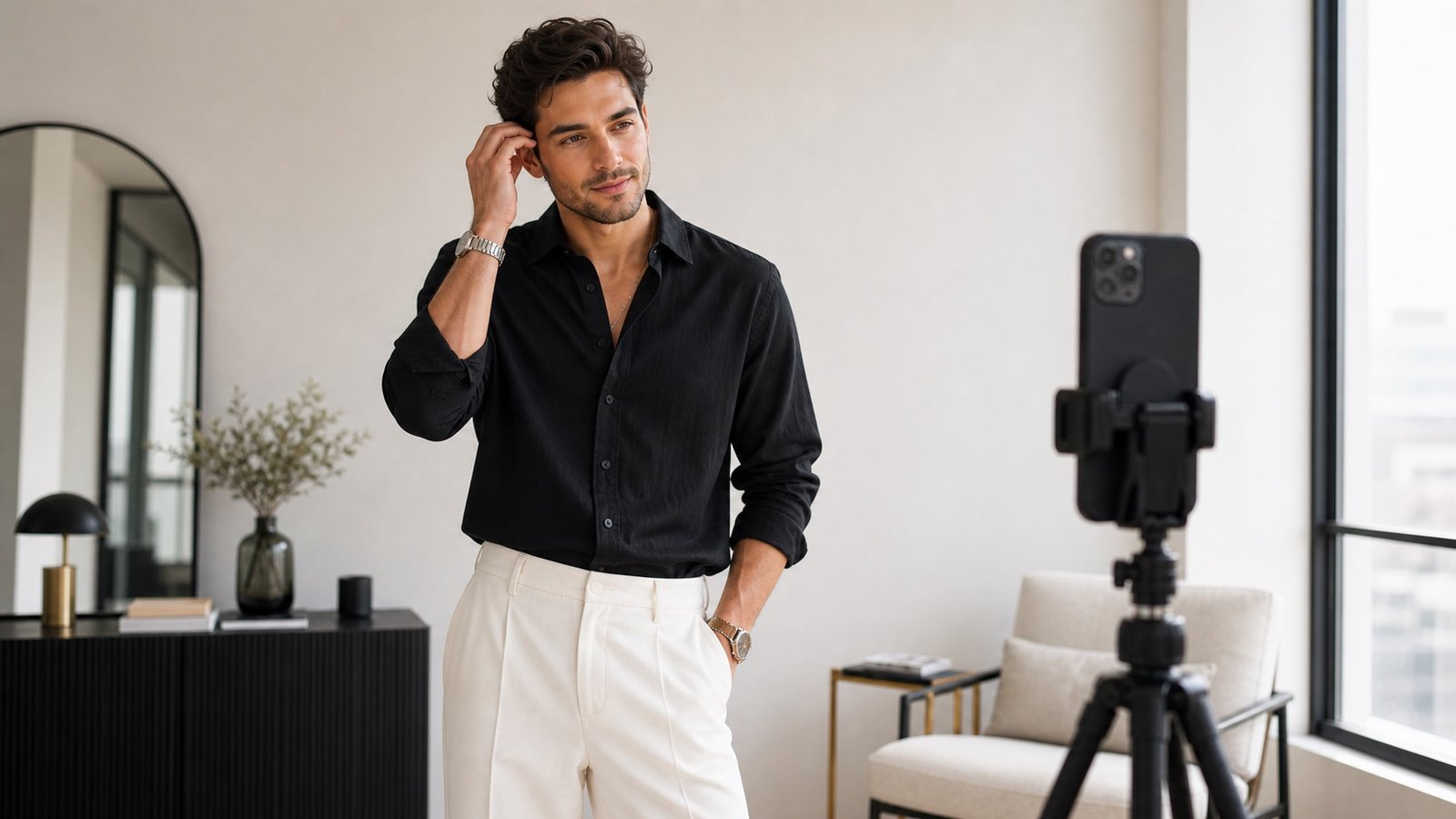
Start With Pose Guidance, Not Filters
Filters can change the finish of a photo, but they do not solve the real problem: most people do not know how to stand, where to put their hands, or how to angle their body. A pose camera app should help before the photo is taken, not only after.
Look for a Real Pose Library
A useful app needs more than a handful of generic poses. Look for variety across casual photos, confident portraits, fashion, travel, couples, and beginner-friendly poses. The library should help you choose a pose that matches the location and the kind of photo you want.
Live Matching Should Feel Practical
Live matching is valuable when it gives clear structure. You should be able to compare your body position with a reference and adjust the big things first: shoulders, stance, hands, and head direction. The goal is confidence, not perfection.
Planning Tools Matter
A good pose camera app should let you plan before the shoot. Flow Sets in Miles Flow turn poses into a short shot list, so you can move through a session without freezing or repeating the same stance.
Privacy Should Be Built In
Photos are personal. A pose camera app should work on-device wherever possible and avoid sending your camera session away for processing. Miles Flow is built around private, on-device pose matching, so your photos stay on your phone.
Why Miles Flow Fits This Category
Miles Flow combines pose ideas, Flow Sets, live pose matching, scoring, Pose School, and a privacy-first workflow. That makes it useful for everyday people, creators, travellers, and anyone who wants clearer direction in front of the camera.
Download Miles Flow and use guided pose planning before your next photo session.