Live camera
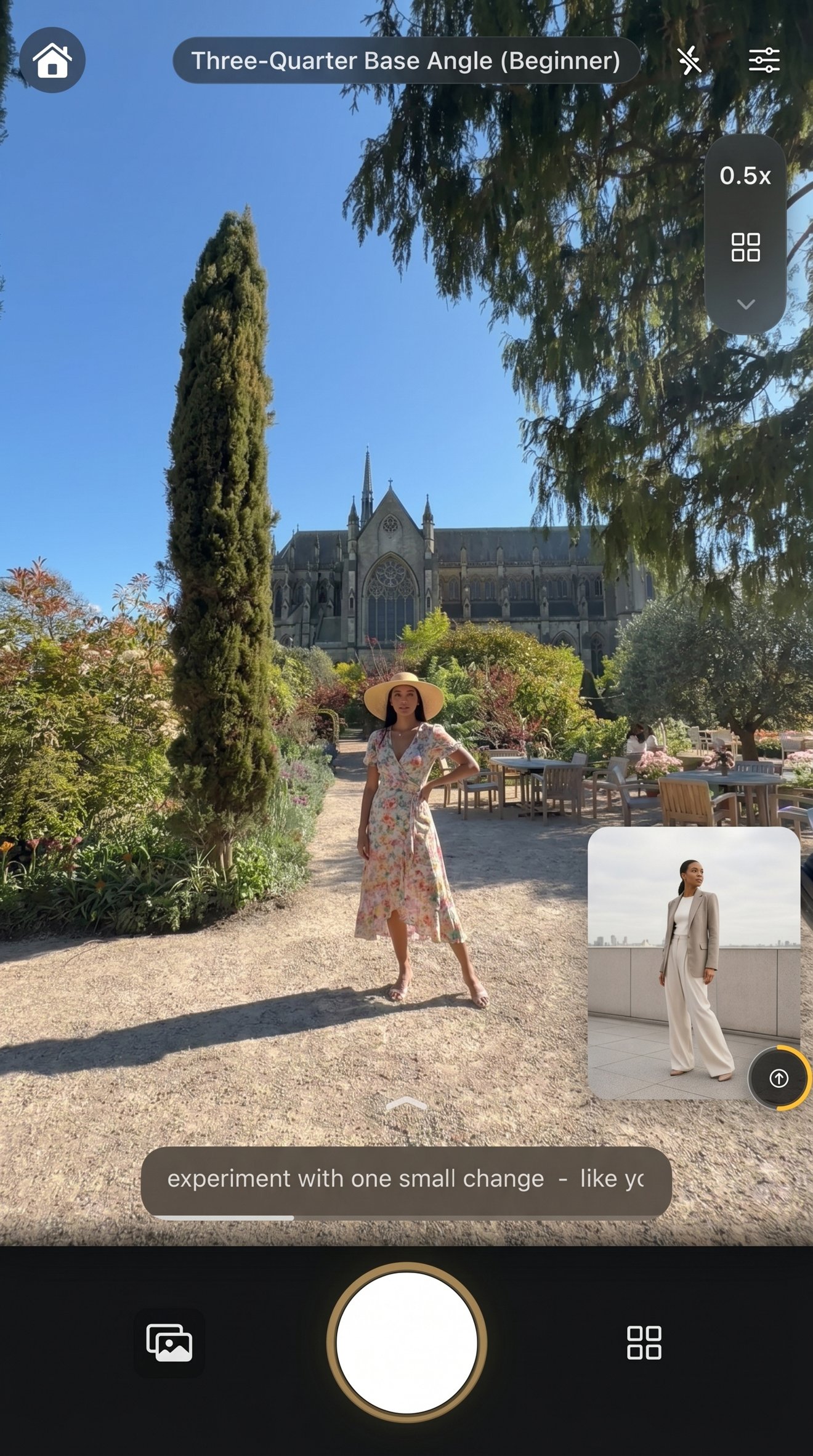
01 · Follow
Step into the pose
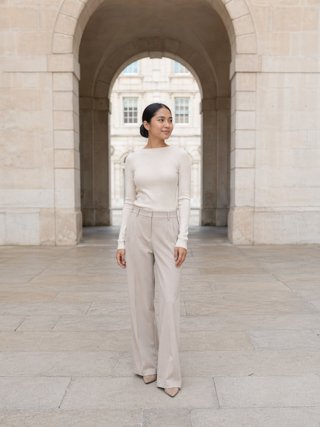
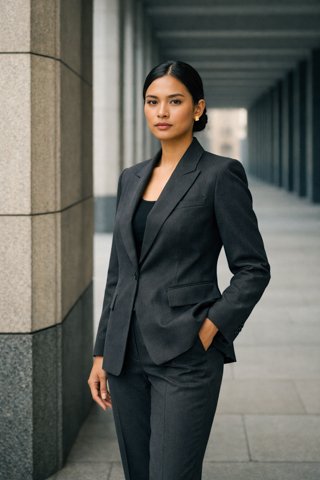
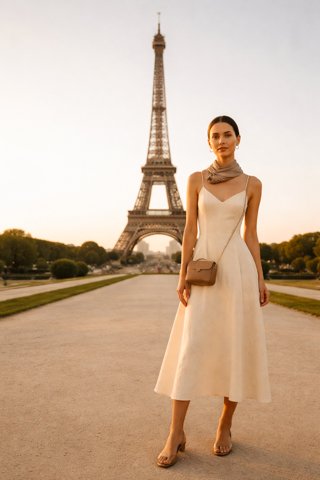
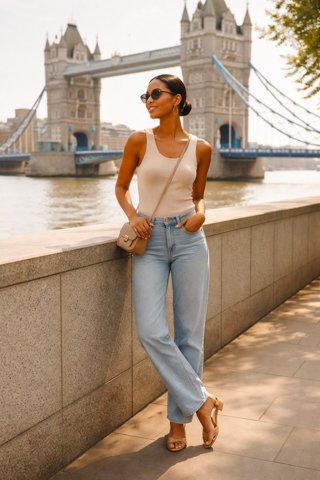
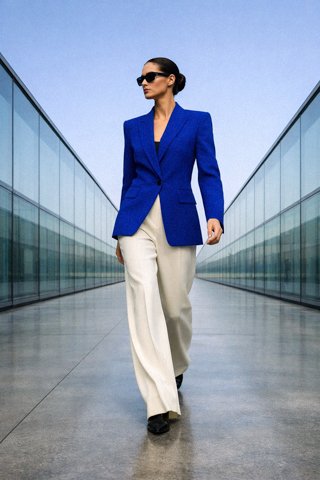
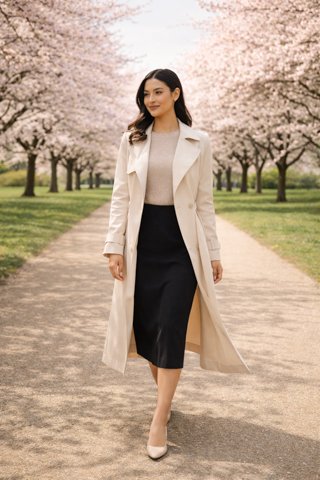
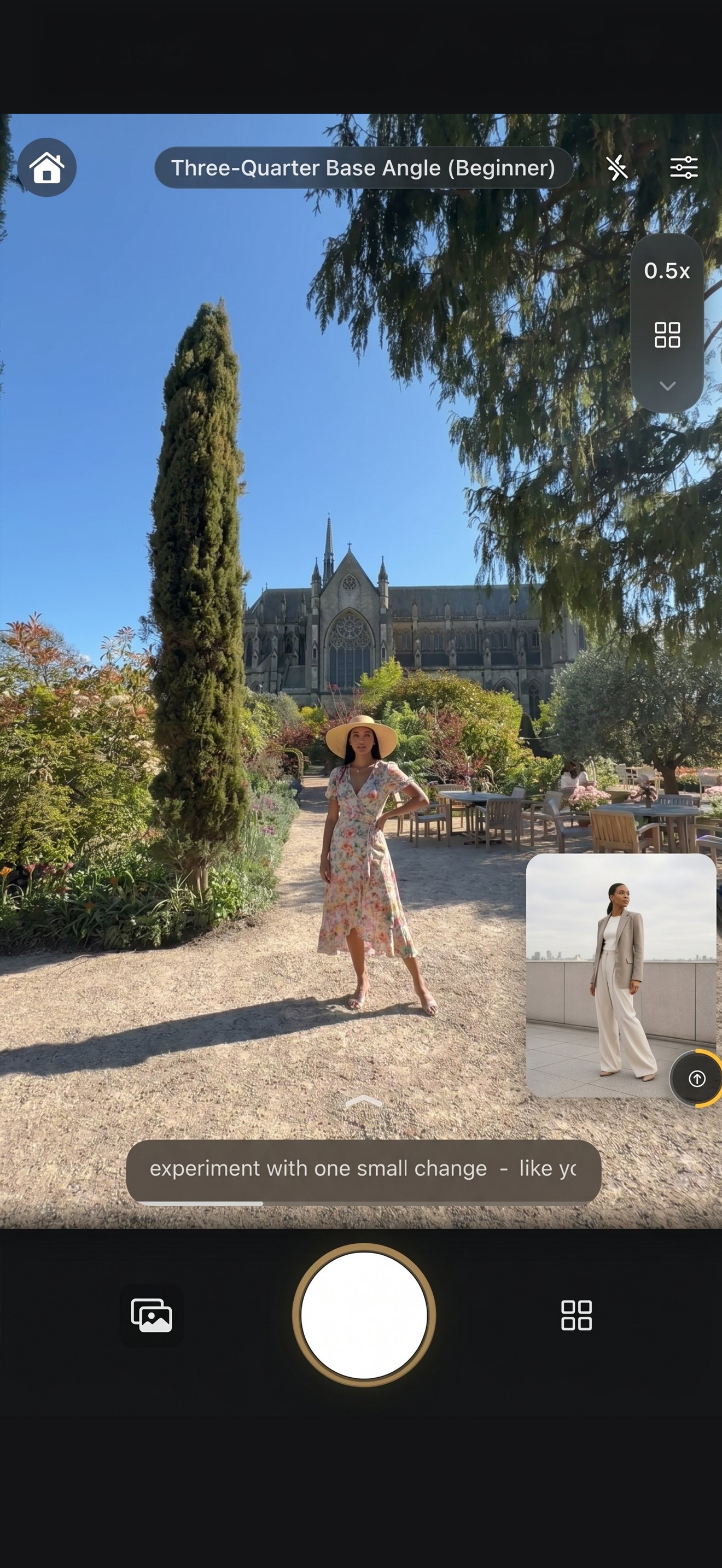
Use a reference corner or live silhouette overlay while you shoot. Simple cues help you adjust without breaking the moment.
You know the shot you want. The moment you step in front of the camera, Miles Flow helps you choose a pose, step into frame, and follow real-time guidance directly on your camera screen.
Created by Miles Studios London
Miles Flow was created by a professional London photography and film studio producing fashion-led, brand and portrait work.
It translates practical experience from real shoots—directing people, refining body lines, reading light and helping camera-shy clients feel comfortable—into guidance anyone can follow.
Photographer-led poses
Selected with composition and body lines in mind.
Real on-set direction
Clear cues shaped by directing real people.
Fashion-informed eye
Polished poses without making shoots feel intimidating.
Three things Miles Flow does best
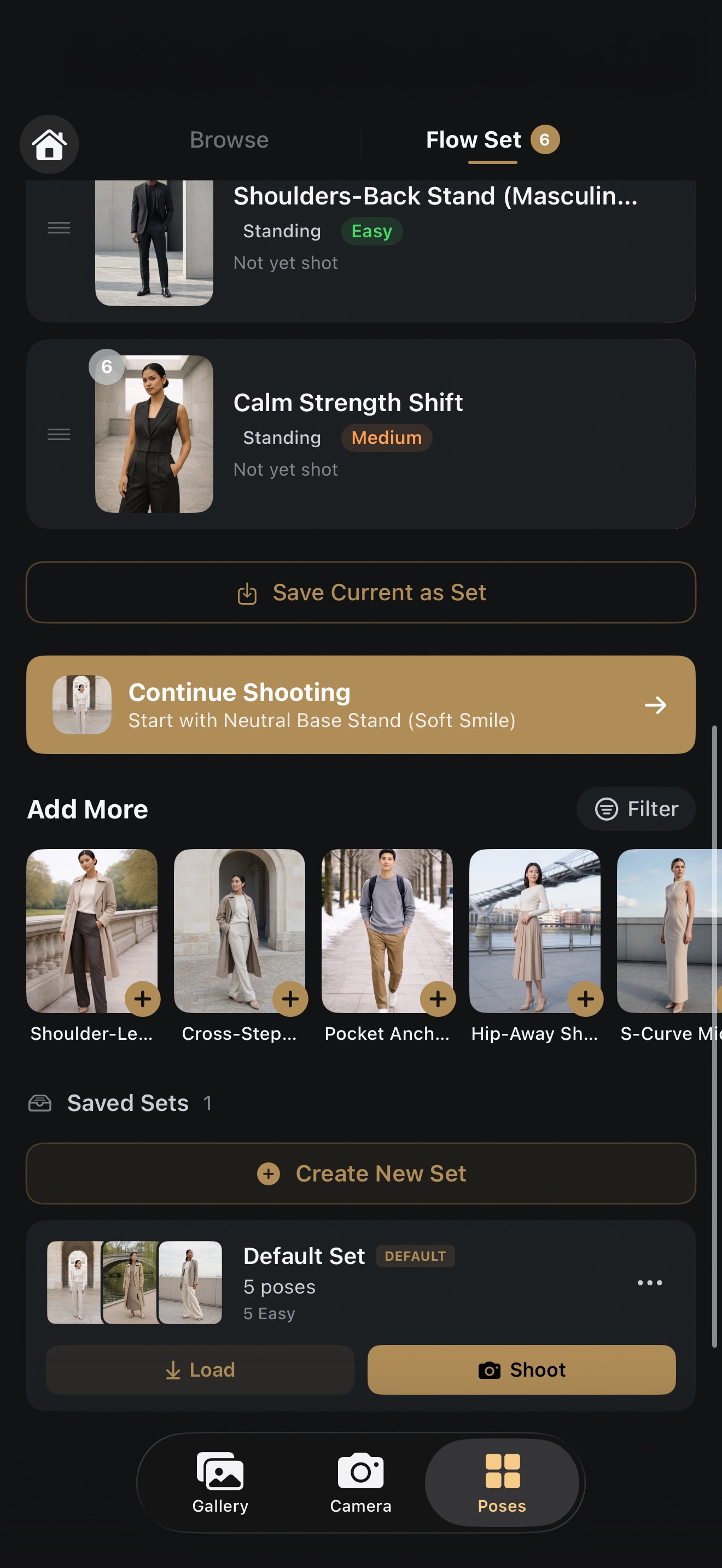
Choose a professionally curated pose, plan your sequence and follow the guide directly on your camera screen.
01 · Follow
Use a reference corner or live silhouette overlay while you shoot. Simple cues help you adjust without breaking the moment.
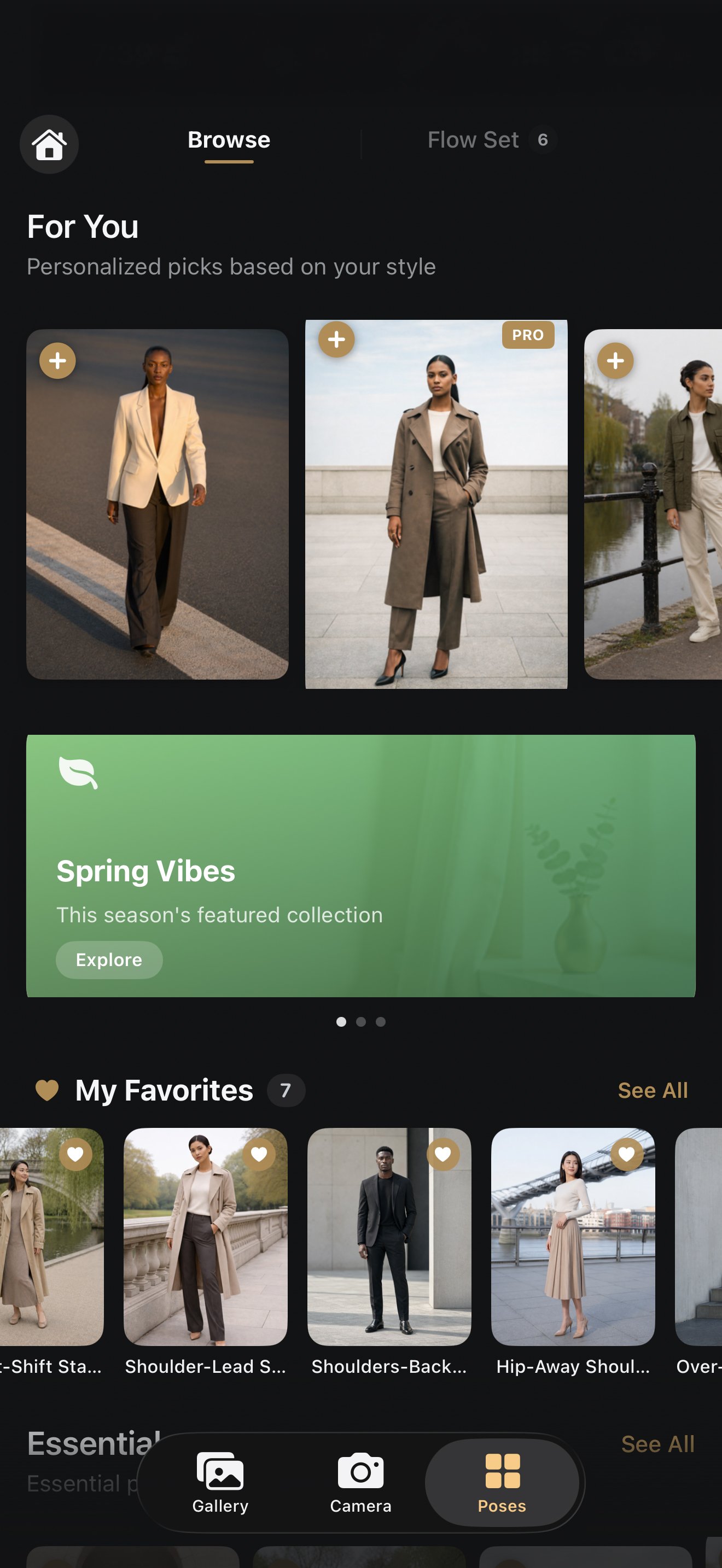
02 · Choose
Browse 585 studio-curated poses by mood, setting and confidence level. Scene Analyzer helps narrow the choice on-device.
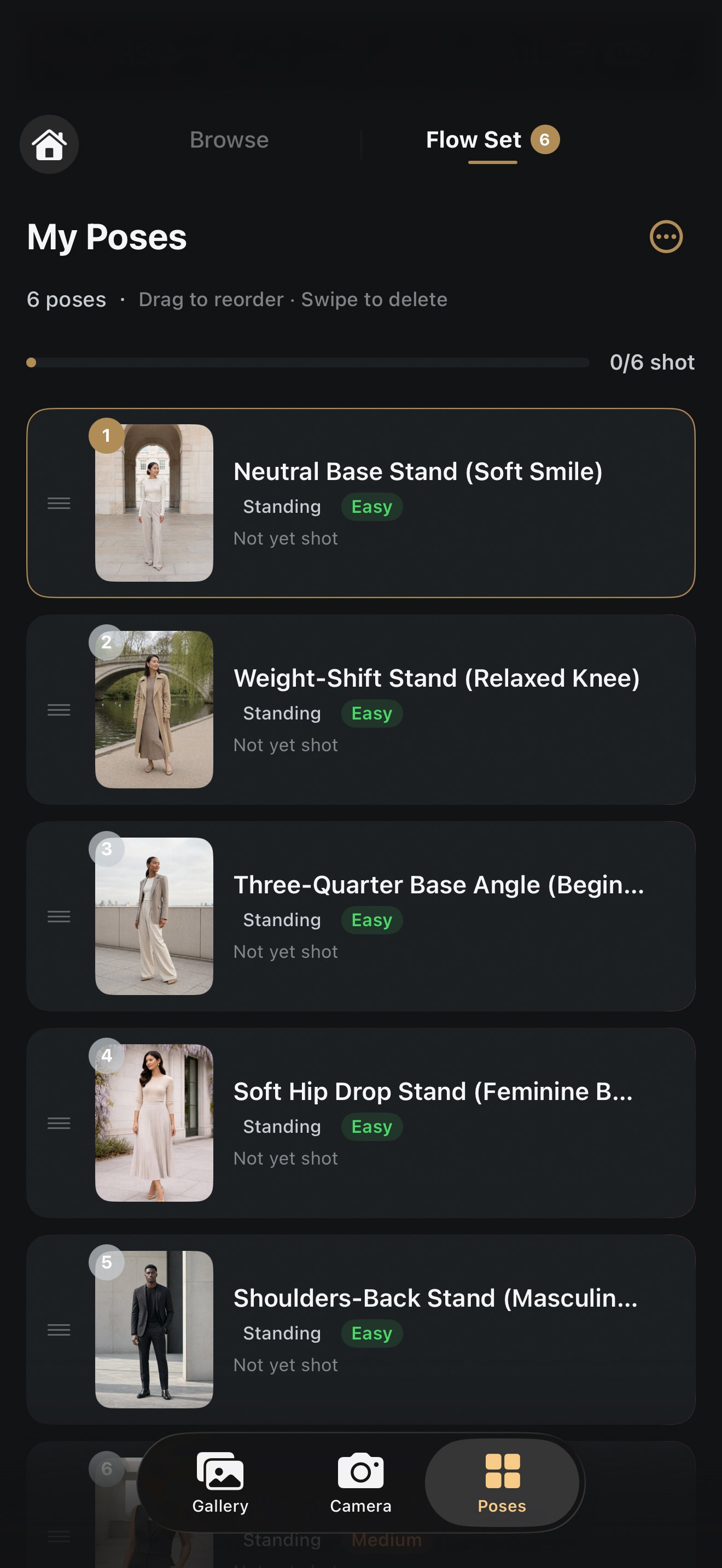
03 · Plan
Save and reorder poses for an outfit, location or client. Move through the sequence without stopping to search for the next idea.
17 Curated Collections
Professionally curated pose packs for foundation, soft, editorial, travel, confident, cinematic, stylish, lifestyle, couples, high fashion, summer, and more.
Essentials
40 poses · Foundation
Starter Legends
50 poses · Best to start
Confidence Builder
20 poses · Anxiety-free
Confident & Power
20 poses · Headshots & branding
Soft Elegant
40 poses · Graceful & editorial
Editorial Fashion
45 poses · Magazine-worthy
Cinematic Story
20 poses · Movie-still drama
Travel Ultrawide
30 poses · Wide-angle travel
Lifestyle Casual
85 poses · Largest pack
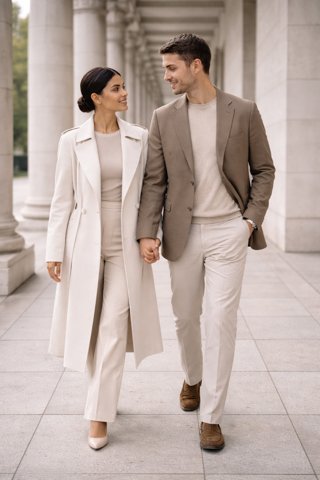
Couples
30 poses · Romantic & playful
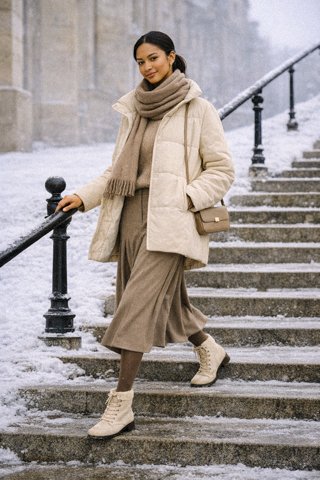
Winter Fashion
30 poses · Cold-weather style
Ultra High Fashion
20 poses · Avant-garde runway
Male Influencer
30 poses · Built for him
Spring Bloom
25 poses · Golden-hour light
Summer Sun
40 poses · Bright seasonal style
The Gentleman
30 poses · Refined masculine style
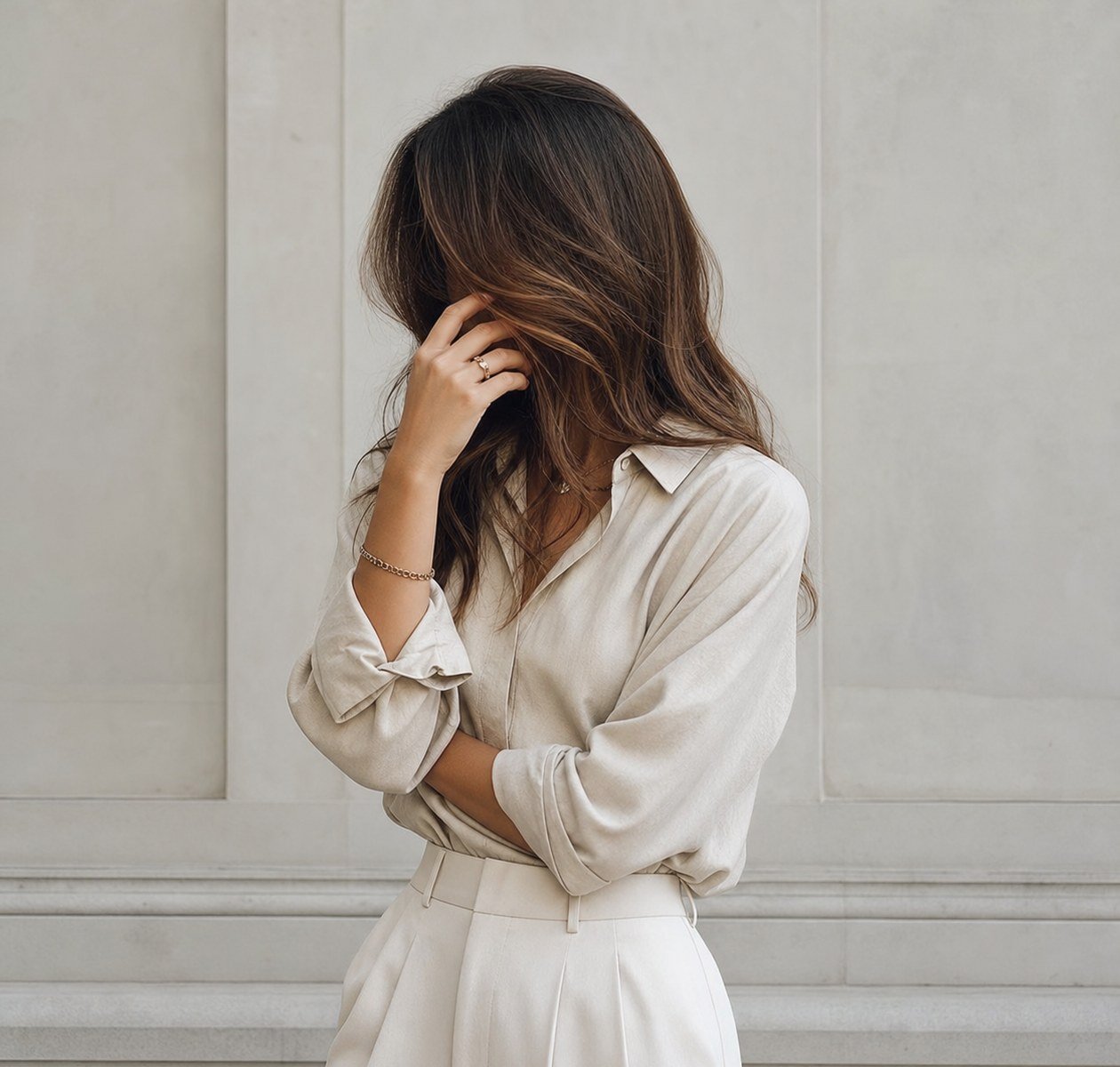
No Look Editorial
30 poses · Look-away polish
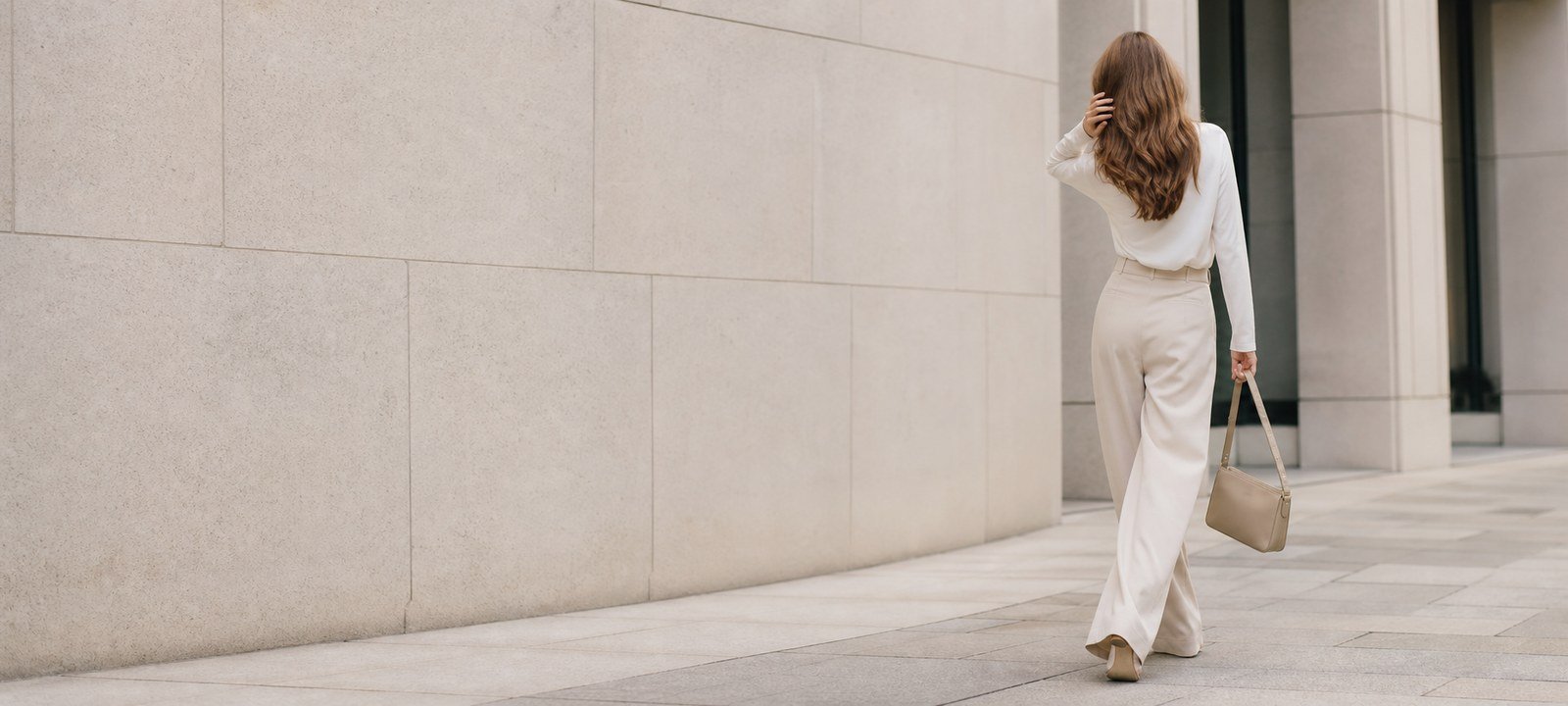
No Look Editorial
July What's New
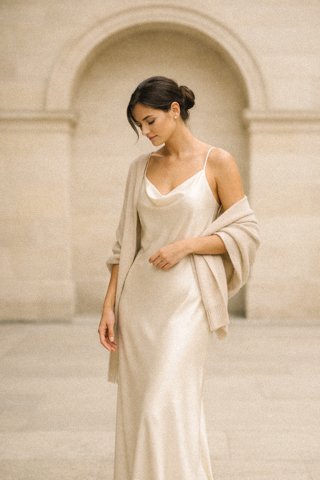
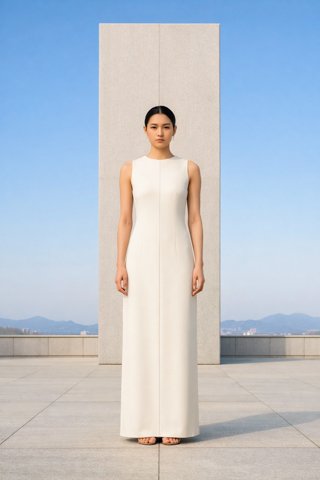
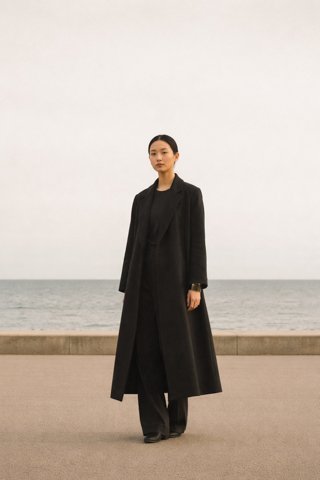
Luxury poses built on soft mystery, clean lines, and model-off-duty polish.
30 new Pro poses for looking away, hidden-face styling, outfit-focused shots, and editorial silhouettes, plus 45 new additions to Soft Elegant, Editorial Fashion, and Lifestyle Casual.
Find monthly Pro drops in the in-app Spotlight carousel, then use search, smart discovery, and Flow Sets to turn them into a guided shoot.
July Additions
30
No Look Editorial
new Pro poses
15
Soft Elegant
new additions
15
Editorial Fashion
new additions
15
Lifestyle Casual
new additions
How It Works
Choose a pose, build a Flow Set, analyze the scene, follow the live guide, and review your strongest frames.
Browse curated poses and packs.
Find the style, angle, or reference you want before shooting.
Build or import a Flow Set.
Save, reorder, or import a shared pose sequence by code.
Point. Analyze. Pose perfectly.
Scene Analyzer recommends poses for your light, location, people count, and framing.
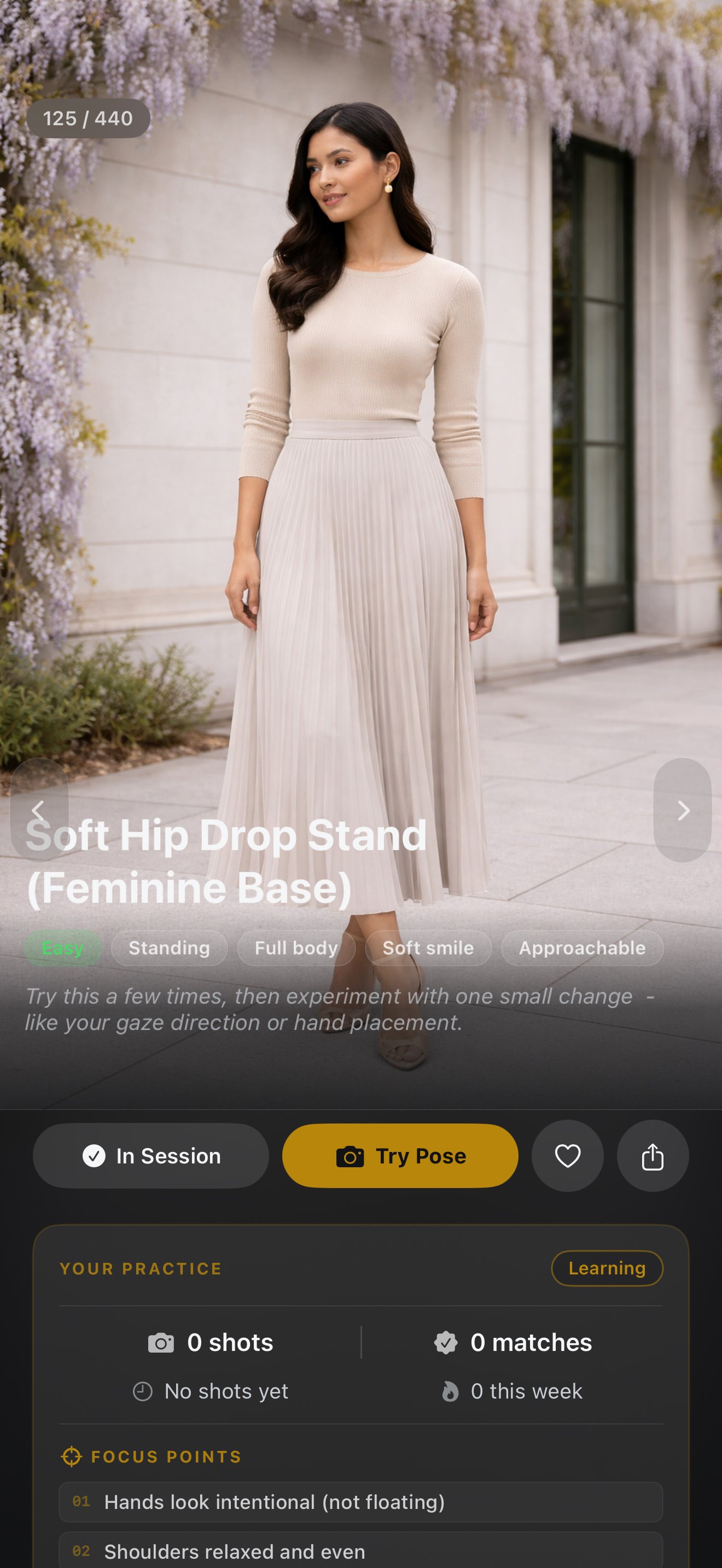
Follow real-time guidance.
Use the on-screen reference, framing indicator, and lighting feedback as you shoot.
Find your Hero Picks.
Review your session, apply Ready-Made Looks, and keep the shots that feel strongest.
What You Get
Start free with the core camera tools. Upgrade when you want the full pose library and Pro review features.
FAQ
Yes. The free plan includes a basic pose library, live camera pose reference overlay, up to 5 poses per session, 2 saved pose sets, shared code import, Pose Profile insights, Pose School starter lessons, Ready-Made Looks, and an on-device experience.
No. Scene analysis and camera guidance are designed around on-device camera and vision frameworks. Miles Flow reads your scene, not your identity, and no camera pixel data leaves your device for cloud analysis.
Core camera guidance, pose references, Scene Analyzer, Pose School, and local photo tools are built for on-device use. Internet is mainly needed for subscription management and shared-code access.
They stay on your device. Photos are saved to your device photo library only if you choose to. Nothing is ever uploaded to our servers or shared with third parties.
Scene Analyzer looks at lighting quality, scene type, people count, and framing. It can recommend solo, couple, or group-friendly Flow Sets, but it does not detect gender, age, named landmarks, or venues.
No. Scene Analyzer and camera guidance are designed to run on-device. Miles Flow does not upload your live camera feed for scene analysis, and your photos stay on your device unless you choose to save or share them.
MILES FLOW is available for iPhone on iOS 17.6 or later and for supported Android devices through Google Play.
Absolutely. Cancel anytime through the App Store, no penalties. You'll keep Pro access until the end of your billing period, then revert to the free plan. We send a reminder before your trial ends so there are no surprises.
What Creators Say
"Honestly a game changer. I used to hate photos of myself, now every shoot feels effortless. The pose suggestions are so on point."
Ella
🇶🇦 Qatar
"The real-time guidance is brilliant, it tells you exactly how to shift your body while you shoot. I've never gotten so many keepers in one session."
Dhey
🇦🇪 Dubai
"As a guy I always struggled with posing and felt awkward. This app made it ridiculously simple. The Flow Sets feature is a genius idea."
Christian
🇶🇦 Qatar
"Finally an app that actually teaches you to pose, not just shows you pictures. The Pose School section alone is worth it. Love it so much!"
Chaity
🇬🇧 London
Pricing
Try Pro free for 7 days, then $4.99/month or $39.99/year.
Cancel anytime before your trial ends and you will not be charged.
No purchase required
Full access, flexible billing
7-day free trial included
Best value for full-year access
$3.33/mo with annual billing
7-day free trial included
Available on iPhone and Android · Purchases managed by the App Store or Google Play · Cancel anytime before your trial ends
Download MILES FLOW free. Browse curated poses, follow real-time guidance, import shared sets, and try Pro free for 7 days.
Available on iPhone and Android · 7-day Pro trial included